
Meet Wilson
Cybersecurity Student
Hi, I’m Wilson
A Cybersecurity student with a passion for Artificial Intelligence
ABOUT ME & Certifications
I am currently studying for a BSc in Cybersecurity.
Outside of my classes, I am focusing on ways to effectively integrate AI and Cybersecurity.
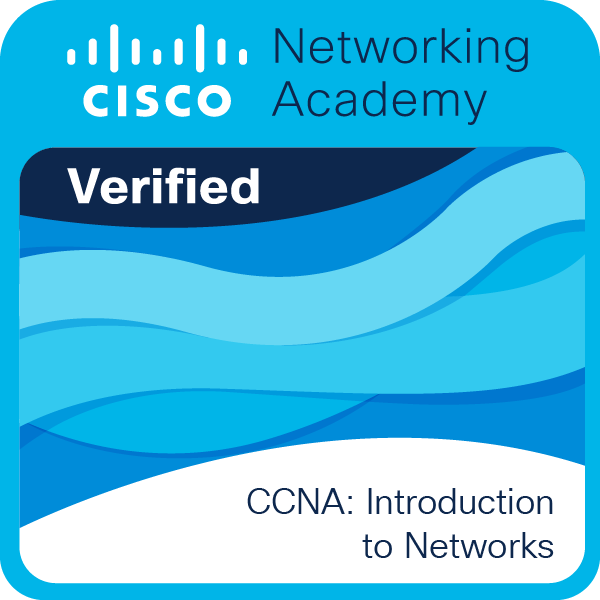
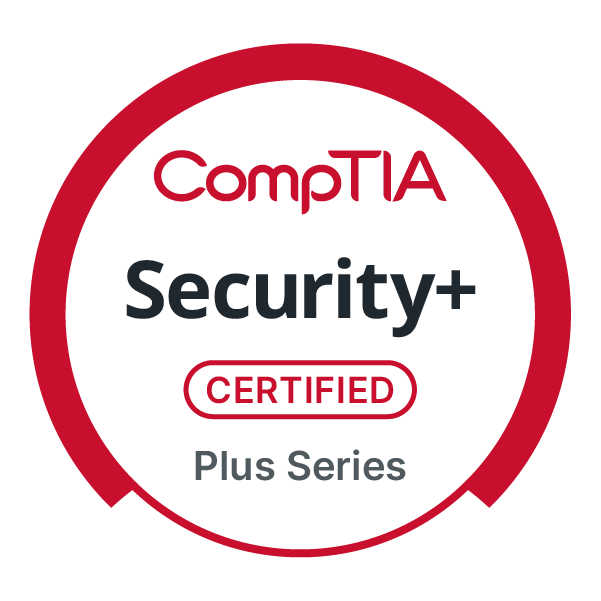
(click to verify)
Cybersecurity major
CompTIA Security+ Certified
CCNA : Intro to Networks certfication
Cybersecurity for AI Specialization (In Progress)
Skills & Tools
Malware Analysis
Cloud Security basics (Microsoft Azure)
Networking fundamentals
Incident Response fundamentals
Machine Learning basics
Nmap
Wireshark
Kali Linux
Hash cat
Projects
Phishing Email Detector
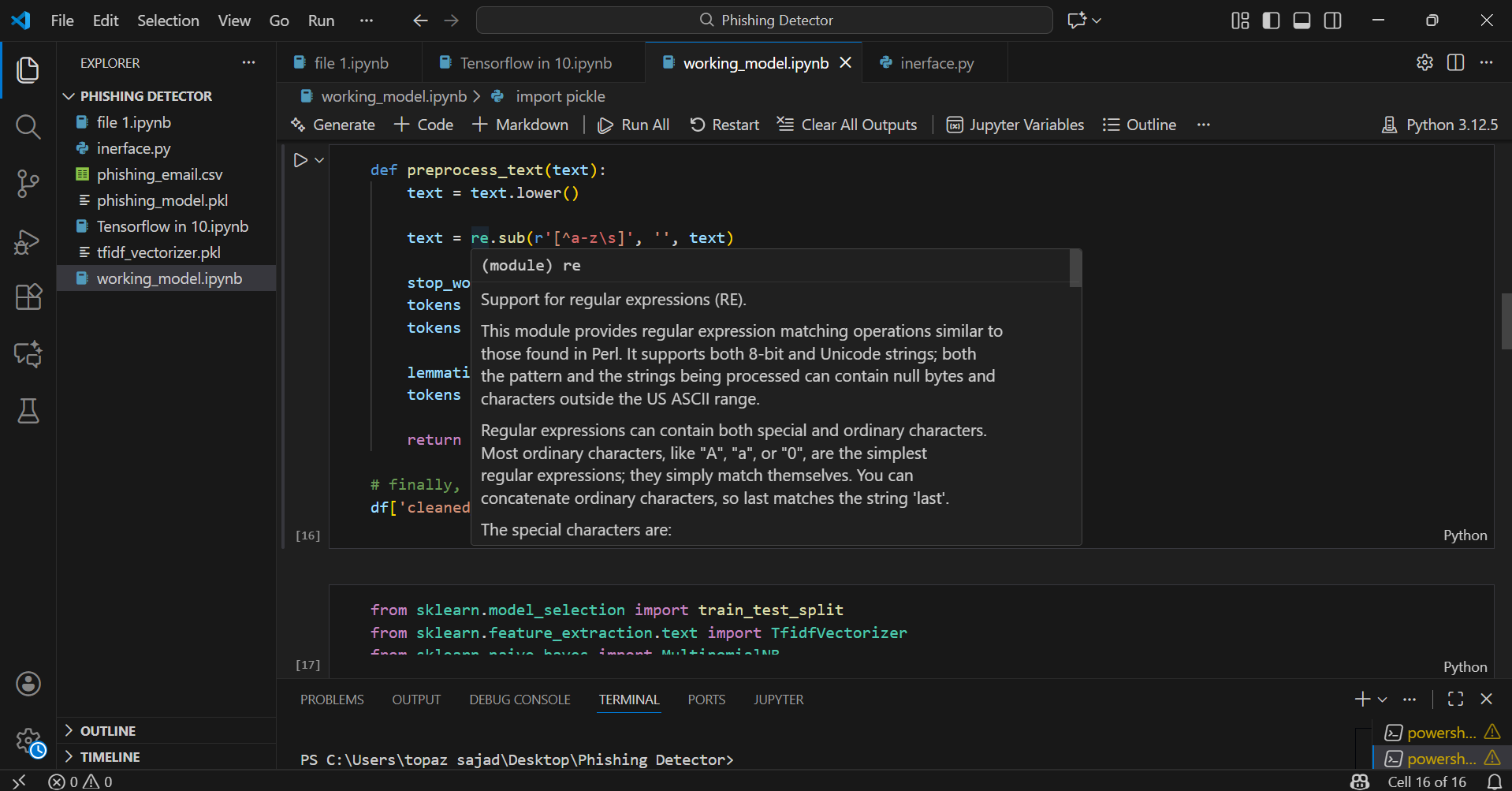
Built a machine learning model to classify emails as phishing or legitimate using NLP techniques.
Cleaned and preprocessed text data (stopword removal, lemmatization).
Converted email text into numerical features using vectorization.
Trained and evaluated a Multinomial Naive Bayes classifier with stratified train-test splits.
Built a user-friendly interface to input email text for detections.
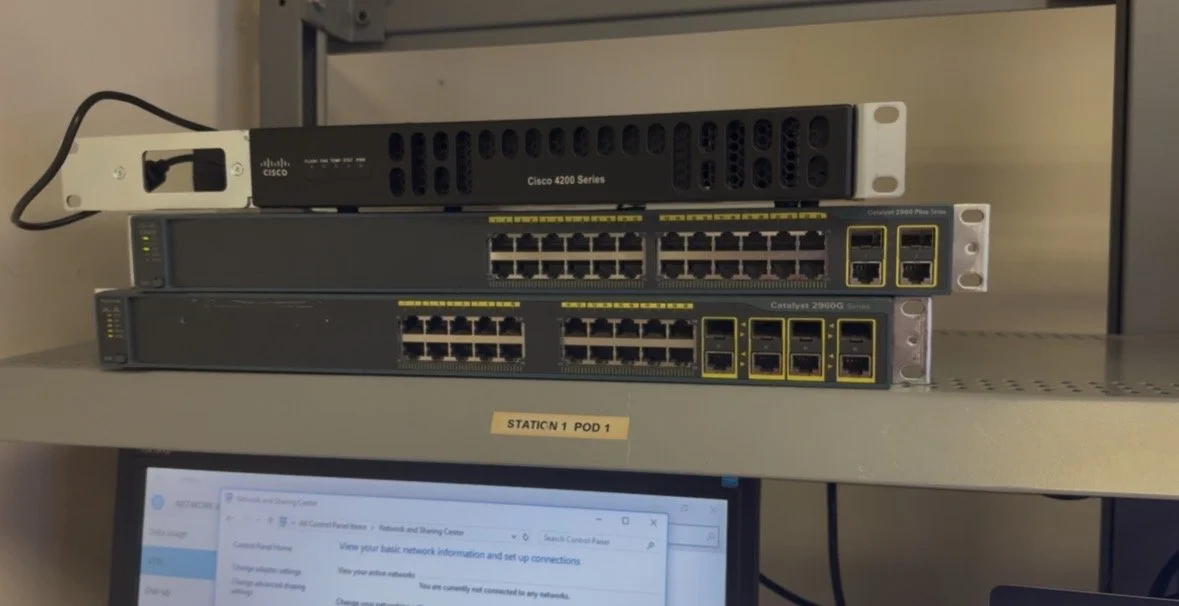
2. Cisco CCNA Packet Tracer Labs (Intro)
Applied techniques such as:
- IP subnetting
- network troubleshooting
- network security (encryption, timeouts, passwords)
- VLAN configuration
- configuring SSH
1. Created a Windows 10 Virtual Machine and virtual network.
2. Created a rule in my Network Security Group that allows all inbound traffic (to lure attackers).
3. Turned off the firewall on the Windows Virtual Machine.
4. Configured the “Windows Security Events via AMA” connector to enable log queries within the Logs Analytics Workspace.
5. Created an Attack Map through log enrichment and finding location data.
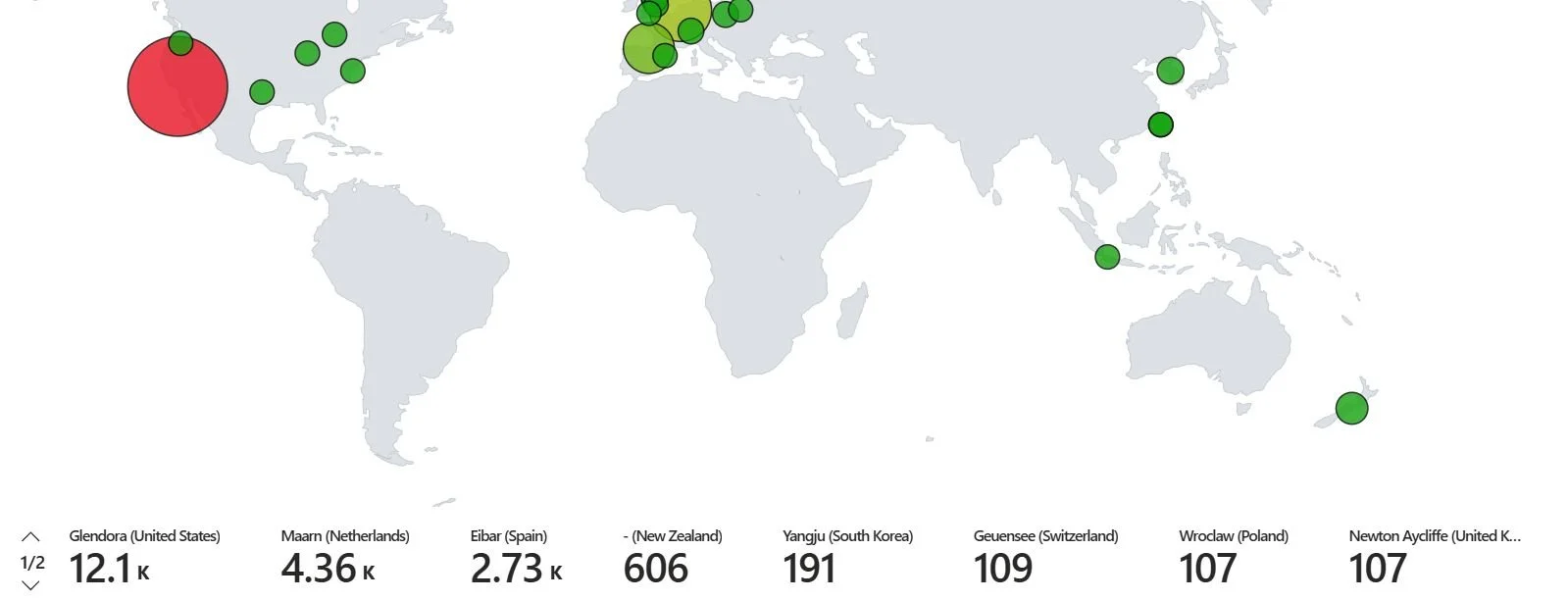
3. HoneyPot for Threat Detection (Azure)
Contact ME
View my LinkedIn Here: